 roamli
Got a code? Let's play.
Enter the event code from your poster, ticket, email or organizer, and you'll be on the map in seconds. It all runs in your phone's browser.
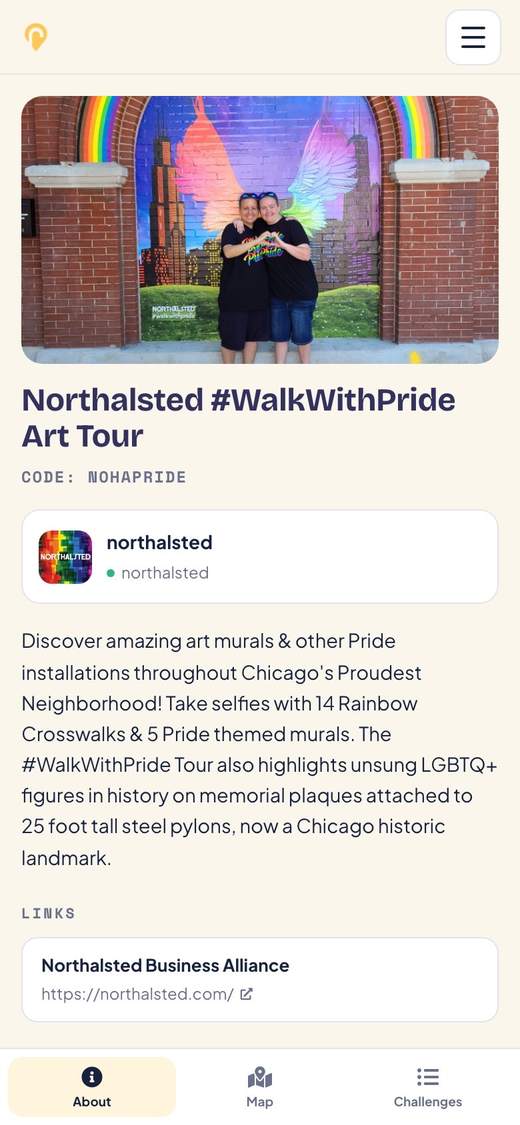
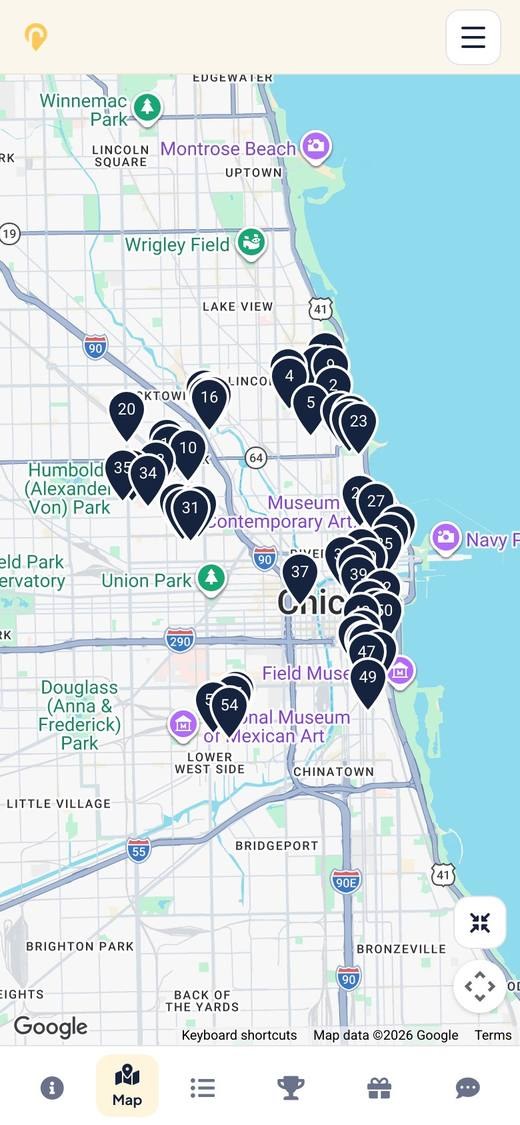
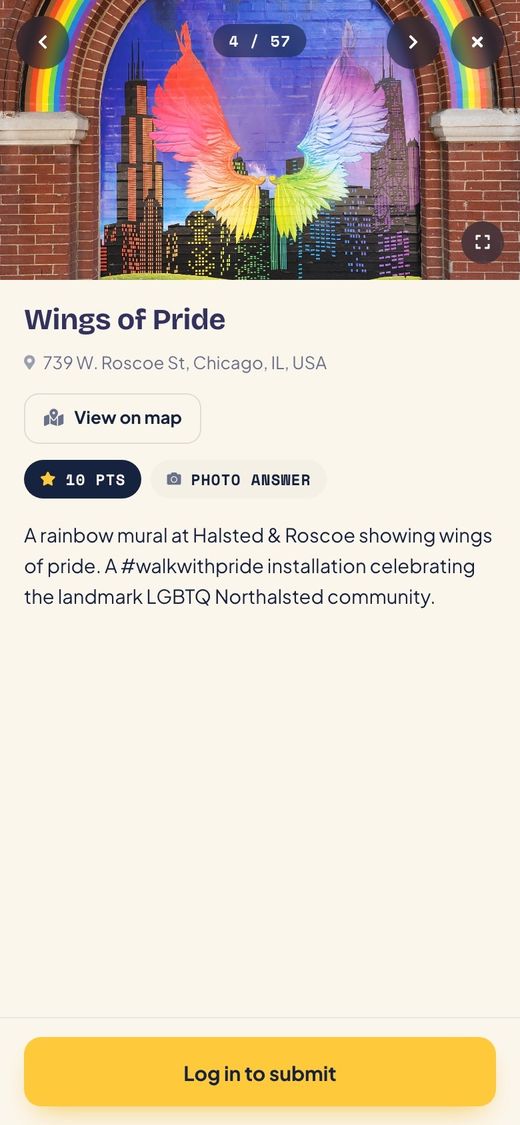
Three taps from code to first challenge.
-
Step 1
Open the event
Tap the link your organizer shared, scan their QR code, or type the event code into the box above.
-
Step 2
Look around
The event opens right in your phone's browser. Browse the map, the challenges and the rules before you commit. No download needed.
-
Step 3
Log in and play
Log in or create a free account to submit answers. That's how your points, progress and any prizes are saved to you.
Challenges on a map, points for every good answer.
Every event is different, because every organizer builds their own. Here's what you'll usually find.
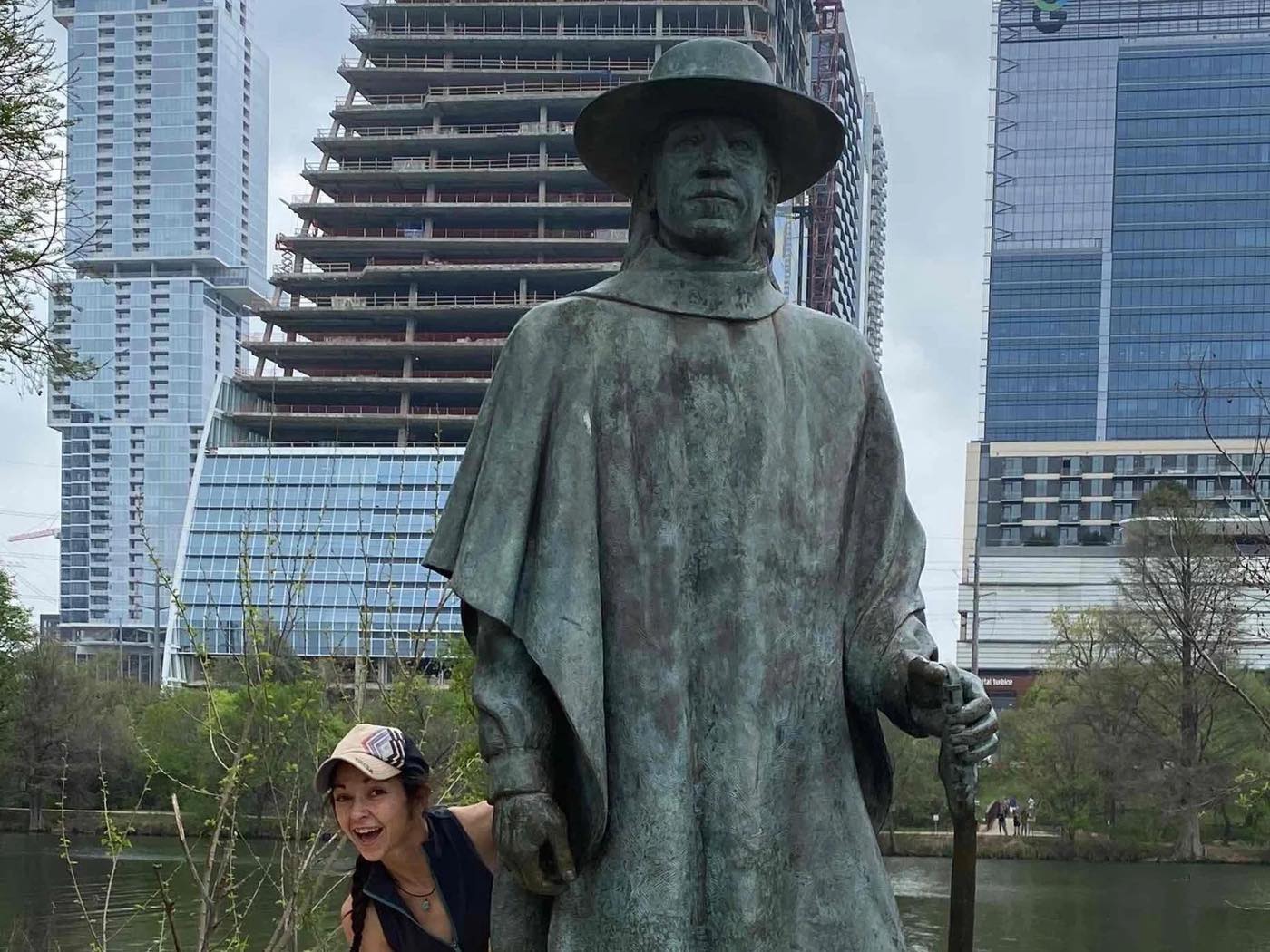
Run one for your company, campus, cause or downtown.
Organizations use Roamli to get people out exploring and through their doors. Build it yourself, or let our team build it for you.